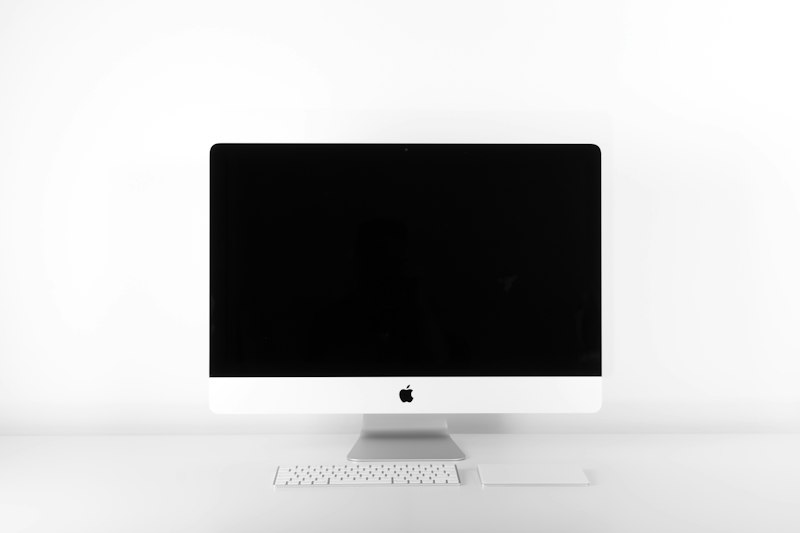
If you work from home, your monitor is one of the most important investments you can make. A laptop screen is fine for occasional use, but staring at a small display for 8 hours a day leads to eye strain, neck pain, and reduced productivity. Here is what to look for and our top recommendations.
Why Monitor Size and Quality Matter
A larger, higher-quality monitor lets you:
- See more at once — Fewer tabs to switch between, more context on screen
- Reduce eye strain — Higher resolution and better panel technology are easier on your eyes
- Improve posture — An external monitor at eye level is better for your neck than looking down at a laptop
- Work faster — Studies consistently show that larger screens improve productivity by 20-30%
Key Specs to Understand
Resolution
- 1080p (Full HD) — Acceptable for 24-inch monitors but text looks fuzzy on anything larger
- 1440p (QHD) — The sweet spot for 27-inch monitors. Sharp text, good performance
- 4K (UHD) — Beautiful on 27-32 inch screens. Best for design work and anyone who values crisp text
Panel Type
- IPS — Best color accuracy and viewing angles. The standard choice for work
- VA — Better contrast ratios but slower response times. Good for mixed work and media
- OLED — Perfect blacks and stunning colors but more expensive. Risk of burn-in with static elements
Size
- 24 inches — Compact. Good if desk space is limited
- 27 inches — The most popular size for a reason. Large enough to be productive without being overwhelming
- 32 inches — Great if you sit further back or want to replace a dual monitor setup with one large screen
- 34 inches ultrawide — Replaces two monitors. Excellent for multitasking
Best Overall: Dell U2724D
The Dell UltraSharp U2724D is a 27-inch 1440p IPS monitor that excels at everything office work demands. Colors are accurate out of the box, the USB-C hub lets you connect and charge your laptop with a single cable, and the build quality is excellent. Dell's 3-year warranty with zero bright dot guarantee adds peace of mind.
Resolution: 2560x1440. Panel: IPS Black. Connectivity: USB-C (90W), HDMI, DisplayPort.
Best 4K: LG 27UK850-W
If you want the sharpest text and most detailed images, a 4K monitor is the way to go. The LG 27UK850-W offers excellent color accuracy, USB-C connectivity, and HDR support at a reasonable price for a 4K display.
Resolution: 3840x2160. Panel: IPS. Connectivity: USB-C (60W), HDMI, DisplayPort.
Best Ultrawide: LG 34WN80C-B
An ultrawide monitor gives you the screen space of two monitors without the bezel in the middle. The LG 34WN80C-B is a 34-inch curved IPS ultrawide with USB-C connectivity. It is perfect for having documents side by side or working with wide spreadsheets.
Resolution: 3440x1440. Panel: IPS. Connectivity: USB-C (60W), HDMI, DisplayPort.
Best Budget: Dell S2722QC
A 27-inch 4K monitor with USB-C for under $300 is remarkable value. The Dell S2722QC does not have the color accuracy of the UltraSharp line, but for general office work, email, and web browsing, it is more than good enough. The built-in speakers are a nice bonus.
Resolution: 3840x2160. Panel: IPS. Connectivity: USB-C (65W), HDMI.
Best for Eye Comfort: BenQ GW2785TC
BenQ's Eye-Care technology is the best in the business. Flicker-free backlighting, a low blue light mode that does not distort colors, and brightness intelligence that adjusts to your room's ambient light. If you suffer from eye strain or headaches after long screen sessions, this monitor is worth considering.
Resolution: 1920x1080. Panel: IPS. Connectivity: USB-C (60W), HDMI, DisplayPort.
Tips for Setting Up Your Home Office Monitor
- Position the top of the screen at eye level — This keeps your neck in a neutral position
- Sit an arm's length away — Too close causes eye strain, too far makes you squint
- Reduce glare — Position your monitor perpendicular to windows, not facing them
- Use night mode in the evening — Warm color temperatures reduce blue light exposure before bed
- Calibrate your monitor — Even a basic calibration improves color accuracy and reduces eye fatigue
The Bottom Line
The Dell U2724D is our top recommendation for most home office workers. It has everything you need and nothing you do not. If you want the sharpest possible text, go with a 4K option like the LG 27UK850-W. And if you want maximum screen space, the LG 34WN80C-B ultrawide replaces a dual monitor setup.